Installation
Requirements
- Database: oxmysql
- Framework: ESX / QBCore / QBOX
Quick Start
Important: Use an editor like VSCode to edit JSON files. JSON is syntax-sensitive.
Anticheat Warning: If you have an anticheat, read Anticheat Help before proceeding.
Server Setup
FiveM Server Artifacts Minimum Version: 28009+
Edit
server.cfgand add (Order is important):# Give permissions to the admin menu add_ace resource.luxu_admin command allow set mumble_allowExternalConnections true add_unsafe_child_process_permission luxu_admin # Must be set before any resource starts! Very important # All your resources start oxmysql start framework # Luxu Admin Starts last start luxu_adminadd_unsafe_child_process_permission luxu_adminMust be set before any resource starts!Add
luxu_adminto your resources folderConfigure
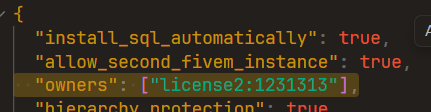
luxu_admin/config/config.json:- Add your identifier (license2, fivem, or discord)
- If the menu doesn't open, try using license2 only
- (Optional) Choose command names - ensure they don't conflict with other scripts
Add API keys to
config/api.json:Start
luxu_adminand wait for "Database installed successfully" messageRestart
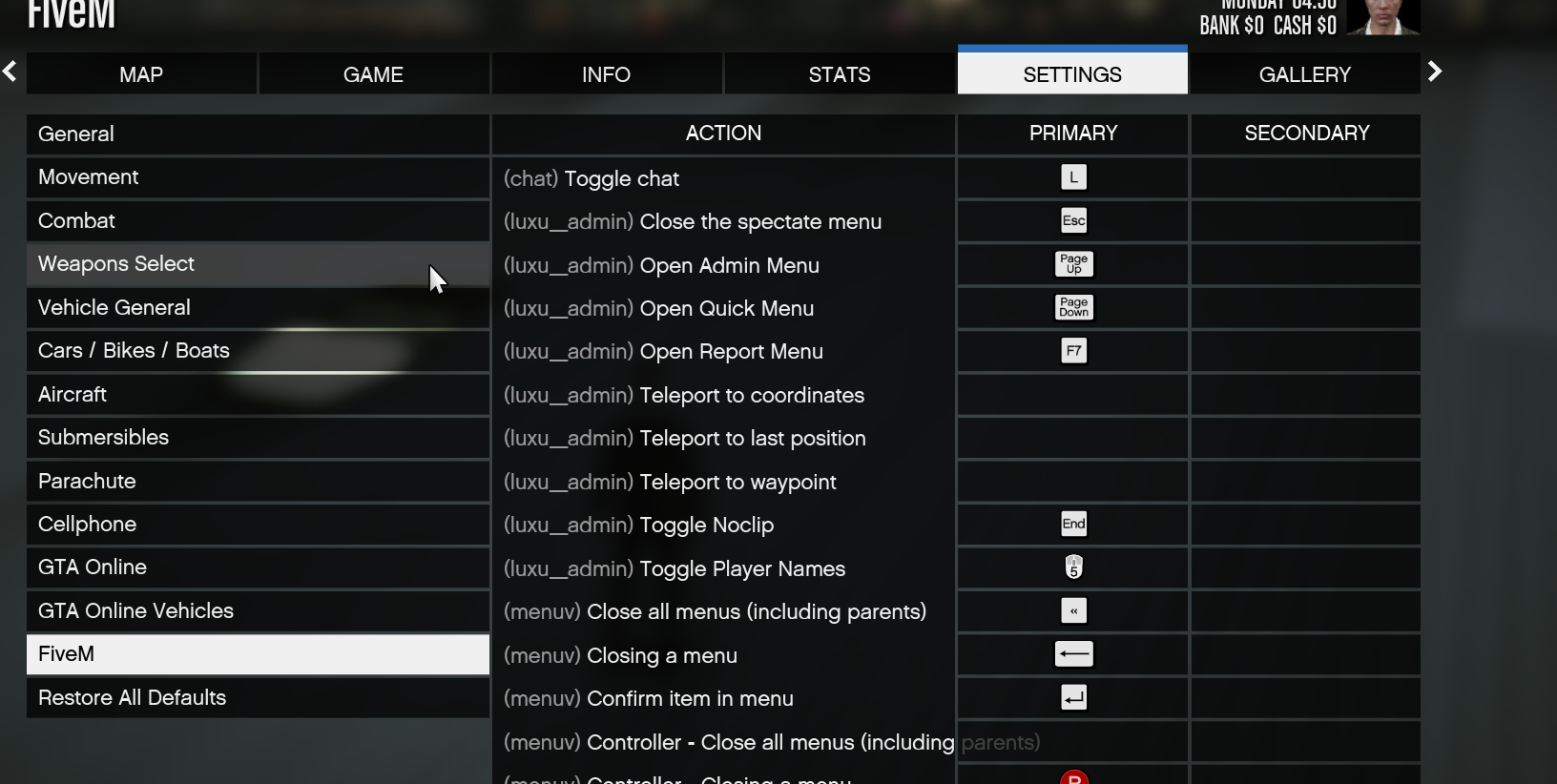
luxu_adminIn-game: Open Pause Menu → Edit Keybinds
- All relevant keybinds should show (luxu_admin)
Discord Bot Setup (Optional)
The admin menu includes a Discord bot for server control and log channels.
Create a new application at Discord Developers
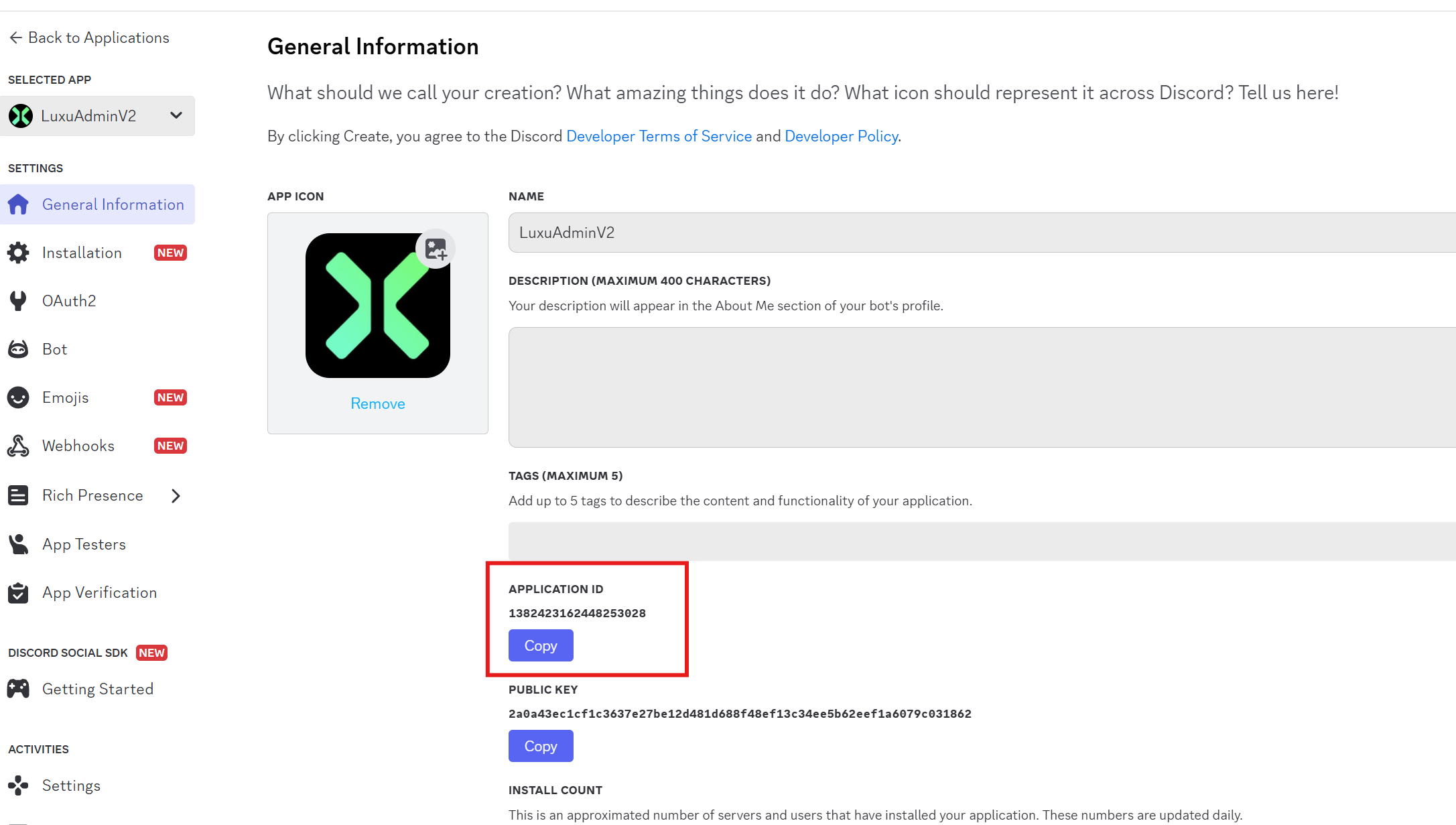
Copy the following:
- Bot ID (client_id)
- Bot token
- Enable Privileged Gateway Intents
- Your Discord server's guild ID
Add to
api.json:"discord_bot": { "enabled": true, "client_id": "APP ID", "token": "TOKEN", "guild_id": "SERVER ID" }Invite the bot to your server with appropriate permissions
Edit command names in
luxu_admin/config/discord.json(optional)Restart
luxu_adminUse
/logto setup log channels (type/to see all commands)
Additional Resources
Compatibility
The admin menu includes compatibility with most popular resources. Features like "open clothing menu" rely on third-party resources. If you've added compatibility for another resource, please share the code snippets via Discord ticket.